Kanopy Kids provides unlimited streaming video content for ages 2 to 8 years old. These videos inspire and entertain, while promoting empathy, literacy, critical thinking and building STEM skills.
How to set parental controls
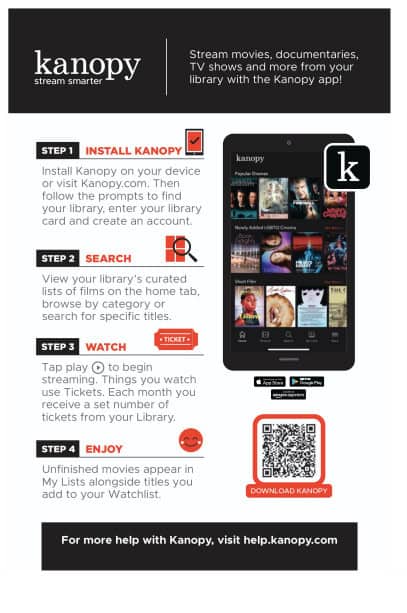
Stream movies, documentaries, TV shows and more from your library with the Kanopy app!
Step 1- Install Kanopy
Install Kanopy on your device or visit Kanopy.com. Then follow the prompts to find your library, enter your library card and create an account.
Step 2 - Search
View your library's curated list of films on the home tab, browse by category or search for specific titles.
Step 3 - Watch
Tap play to begin streaming. Things you watch use Tickets. Each month you receive a set number of tickets from your Library.
Step 4 - Enjoy
Unfinished movies appear in My Lists alongside titles you add to your Watchlist.